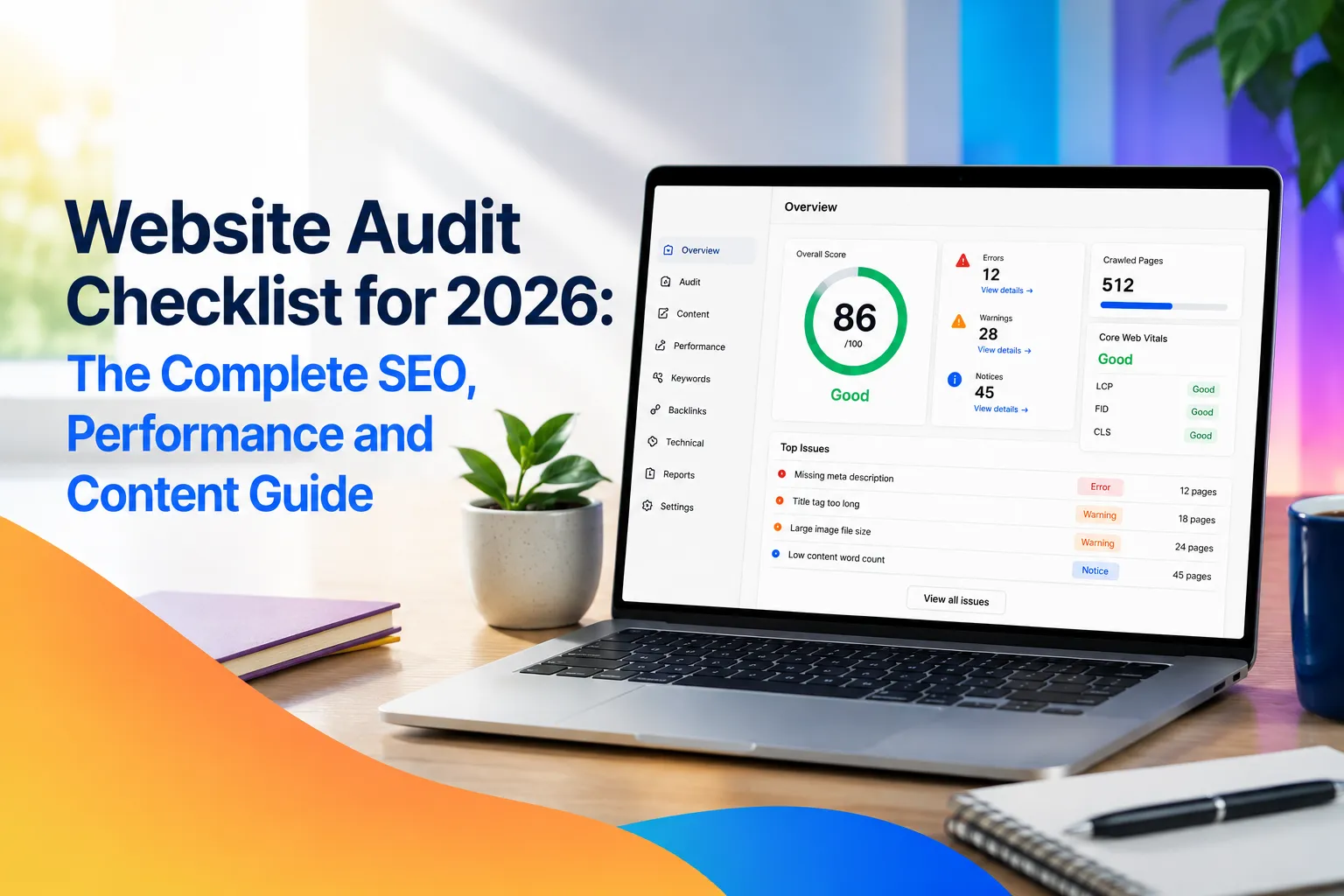
A website can look professional, publish valuable content, and offer an excellent product while still struggling to generate organic traffic. Hidden technical errors, weak page structures, outdated content, and poor performance can prevent search engines from properly crawling, understanding, and ranking a website. That is why every business needs a structured website audit checklist.
What Is a Website Audit?
A website audit is a systematic review of the technical, navigational, and content factors that affect how users and search engines interact with a website.
A complete audit examines several connected operational areas:
Technical SEO & Crawlability: Robots.txt, canonicalization, server health, rendering.
Indexation & Architecture: Sitemap hygiene, click depth, internal linking, URL structures.
Content & Experience: E-E-A-T signals, thin/decayed content, cannibalization, Core Web Vitals.
Usability & Security: Mobile experience, accessibility, HTTPS, form security.
Off-Page & Strategy: Backlinks, tracking/analytics, conversion paths.
The main purpose is not simply to produce a long list of minor errors. A useful audit identifies which problems matter most, explains their likely impact, and converts the findings into a prioritized improvement plan. For example, fixing an accidental noindex directive on an important service page is far more urgent than rewriting a decorative image's filename.
Why Website Audits Matter
Websites constantly evolve. Teams publish articles, remove products, install plugins, update design templates, modify navigation, and add tracking scripts. Every change can unintentionally introduce subtle technical or experience issues.
A website that was perfectly optimized six months ago may now suffer from:
Broken internal links & orphan pages
Outdated redirects & redirect chains
Duplicate pages & inconsistent canonical tags
Missing metadata & unoptimized media
Slow scripts impacting mobile rendering
Invalid structured data
Regular audits detect these vulnerabilities before they cause sustained losses in search traffic, qualified leads, or direct revenue.
Step-by-Step Website Audit Checklist
Use this foundational checklist to evaluate your site from the infrastructure upward. Always resolve crawling and indexation blockers before spending effort on smaller on-page tweaks.
1. Establish Performance Baselines
Before making technical edits, document current performance. A solid baseline allows you to measure whether your optimizations yield tangible organic growth.
Metric Type | Critical Key Performance Indicators (KPIs) |
Search Engine Metrics | Organic clicks/impressions, average position, indexed page count, crawl errors. |
Technical Health | Overall site health score, Core Web Vitals status, broken links count. |
Business Impact | Organic conversions, top landing page revenue, branded vs. non-branded traffic ratio. |
2. Audit Website Crawlability
Search engines must be able to discover and traverse your primary pages before those pages can compete in search results.
Robots.txt Configuration: Confirm your
robots.txtfile is not blocking crucial landing pages, product categories, or CSS/JavaScript files necessary for layout rendering.Crawlable Links: Ensure internal navigation relies on standard HTML
<a href="...">links with descriptive anchor text rather than JavaScript-only triggers or unlinked sitemap listings.Crawl Trap Prevention: Identify and resolve faceted navigation parameters, internal search result pages, calendar loops, and tracking IDs that create endless low-value URLs.
3. Review Search Engine Indexation
Crawling and indexing are separate processes. A search engine may visit a URL without adding it to its searchable database.
Audit Technical Directives: Review all
noindextags,X-Robots-Tagheaders, and canonical references.Address Unindexed Pages: Inspect Search Console for "Crawled - currently not indexed" or "Discovered - currently not indexed" statuses to spot quality or duplication bottlenecks.
Match Index Ratio: Compare the total number of useful, indexable pages on your site against the total index count reported by search engines.
4. Inspect Sitemaps, Status Codes & Architecture
Clean structural signals guide search crawlers straight to your highest-value assets.
Site Root (Domain)
 ├── Category / Topic Hub
 │    ├── Core Service / Pillar Page
 │    └── Supporting Article / Case Study
 └── Technical Architecture (Clean URLs, < 3-4 Clicks Deep)
XML Sitemap Hygiene: Sitemaps must contain strictly 200 OK indexable canonical URLs. Exclude redirects, error pages, or canonicalized duplicates.
HTTP Status Code Cleanup: Fix 404 errors, soft 404s, 50x server errors, and eliminate long redirect chains ($301 \to 301 \to 200$).
Canonicalization Integrity: Verify self-referencing canonical tags are present, accurate, and match your preferred protocol (HTTPS) and hostname (WWW or non-WWW).
Logical Architecture: Keep top-tier services within 3–4 clicks of the homepage using clear, human-readable directory paths (e.g.,
/audit-checklist/instead of/page?id=482).
5. On-Page SEO & Content Quality Evaluation
A technically sound website will underperform if its content fails to satisfy user intent or establish trust.
Title Tags & Descriptions: Ensure every page has a unique, intent-matching title tag and a compelling meta description.
Header Structure: Maintain logical heading hierarchies (
H1for primary title,H2/H3for organized sub-topics).Content Inventory Action Plan:
Keep: High-performing, accurate, and relevant content.
Improve/Update: Decayed posts with declining organic trends or outdated statistics.
Consolidate: Pages suffering from keyword cannibalization (overlapping intent).
Redirect/Remove: Obsolete pages offering zero search or business value.
E-E-A-T & Trust Signals: Incorporate clear author bios, editorial standards, first-hand experience, transparent corporate details, and reliable outbound citations.
6. Mobile Usability, Core Web Vitals & Security
Search engines evaluate page experience based on real-world performance signals and site safety.
Core Web Vitals:
Largest Contentful Paint (LCP): Measures loading speed.
Interaction to Next Paint (INP): Measures user interactivity responsiveness.
Cumulative Layout Shift (CLS): Measures visual layout stability.
Mobile-First Indexing: Check that mobile viewport layouts match desktop content, buttons are tap-friendly, and overlay popups do not block readability.
Security Standards: Ensure sitewide HTTPS coverage, valid SSL certificates, absence of mixed-content errors, updated CMS plugins, and active form spam protection.
Audit Finding Priority Matrix
Not every audit item needs immediate attention. Use this priority framework to allocate developer and content resources effectively:
Priority Level | Risk / Impact | Example Issues |
Critical | Prevents core site access, indexation, or security. | Sitewide |
High | Materially harms major landing pages or search traffic. | Broken navigation, bad canonical tags, severe mobile rendering errors, major Core Web Vitals failures. |
Medium | Reduces overall efficiency without completely blocking users. | Duplicate metadata, redirect chains, missing internal links, decayed blog posts. |
Low | Minor optimizations with incremental performance gains. | Uncompressed non-critical images, minor formatting errors, missing image alt text on decorative assets. |
Recommended Maintenance Schedule
Interval | Key Tasks |
Continuous (Automated) | Uptime monitoring, server error alerts, critical indexation changes, conversion path integrity, SSL security checks. |
Monthly | Search Console metrics, organic lead attribution, Core Web Vitals trends, newly published URL indexing. |
Quarterly | Full technical site crawl, internal linking health, duplicate content check, structured data validation, competitor comparison. |
Annually / Post-Migration | Complete site architecture review, broad content inventory, accessibility check, full backlink profile audit. |
Frequently Asked Questions
How long does a complete website audit take?
Automated technical crawling takes anywhere from a few minutes to several hours. However, thorough analysis, intent mapping, business impact prioritization, and task assignment typically take several business days to complete properly.
Does completing a website audit guarantee higher Google rankings?
No audit directly changes search positions. An audit reveals technical bottlenecks, content flaws, and user experience issues. Ranking improvements occur when those identified problems are effectively fixed and deployed.
What is the difference between an SEO audit and a website audit?
An SEO audit focuses primarily on search visibility, crawlability, keyword optimization, and link authority. A broader website audit also evaluates user conversion funnels, accessibility standards, site security, design UX, and technical tracking setup.